 Everything around you
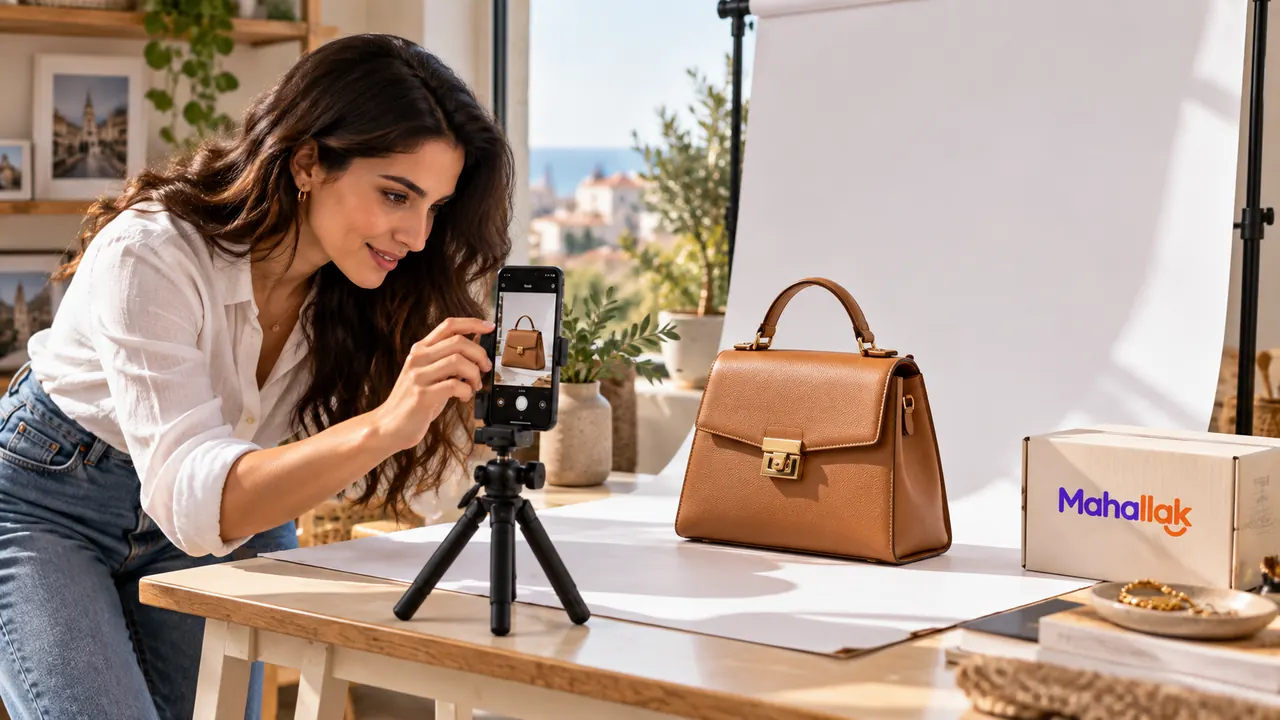
A well-organized store page answers basic questions before a customer sends a message. Clear photos, accurate names and concise descriptions can save time for everyone.
Name the product precisely
Instead of ‘new item,’ say what it is and include a useful detail, such as ‘black leather handbag.’ Include a brand, size or material only when you can verify it.
Answer common questions in the description: sizes, colors, material, condition and what the price includes. Mention important exclusions too.
Use representative photos
Photograph the actual product in good light against a simple background and show more than one angle. If the photo color differs from the real item, explain that in the description.
Include close-ups of details people often ask about, such as labels, dimensions or accessories. Avoid using a photo of a different version without saying so.
Make contact easy and keep details current
Provide an accurate location and contact channel. If possible, say when you usually reply. Update a product when its stock or price changes so customers do not rely on old information.
With Mahallak, merchants can organize a storefront and display products and offers. Use that space to give shoppers useful details, then answer their questions directly.
Your next step
A good product page tells customers what they will get, what it costs and how to reach you. Start with your core products and keep the information up to date.

About the Mahallak team
We share guides and ideas to help shoppers and business owners make more of local commerce in Lebanon.